Chapter Email and Notification Preferences
How to Unsubscribe
Please note that unsubscribing will prevent you from receiving a chapter's meeting invitations, newsletters, and announcements.
- You must unsubscribe directly from any specific chapter's email you've received by clicking the "Unsubscribe" or "Manage Preferences" link located at the bottom of every chapter's email.
How to Manage Chapter Discussion Forum Notifications
Managing your email preferences for chapter group discussion forum notifications, including opting-out of the group, is a separate function.
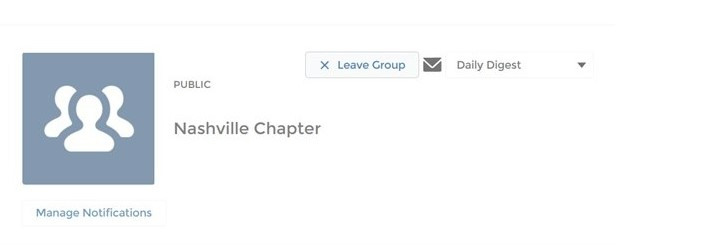
To opt out of or set your preferences for automated notifications from your chapter's group forum, please go to your chapter's page and take one of two actions:
- Manage your notification preferences, which includes weekly digest and limited options. This allows continued forum participation and file sharing/access.
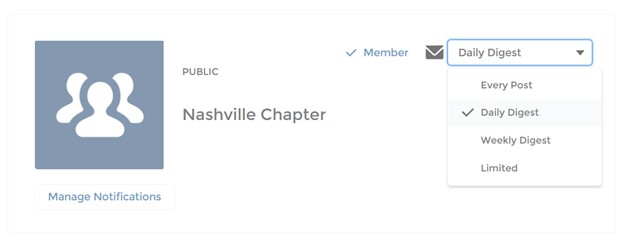
- Leave the chapter group to stop forum notifications. Be aware that you will no longer be able to participate in the chapter's group forum or share/access files.